


Free Google Review Link Generator
Generate a direct Google review link for your business in seconds. Customers click once and the review form opens—no searching required.
How To Use Our Google Review Link Generator
Search your business
Type your business name as it appears on Google Maps, or paste your Google Maps URL.
Pick the correct listing
Choose from matching results so the link points to the right Google Business Profile.
Confirm your details
Check the business name, address, and rating before you share the link with customers.
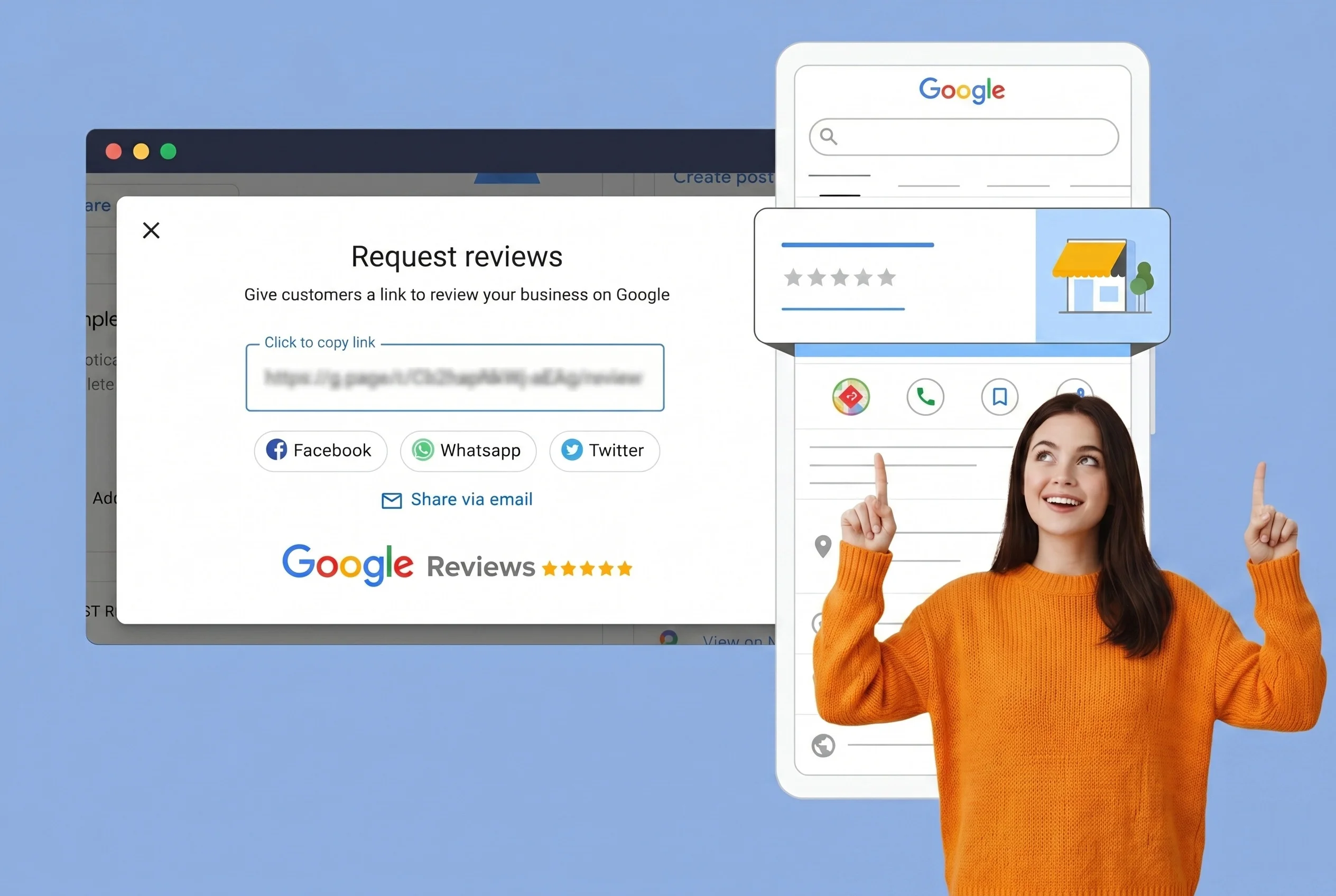
Copy and share your link
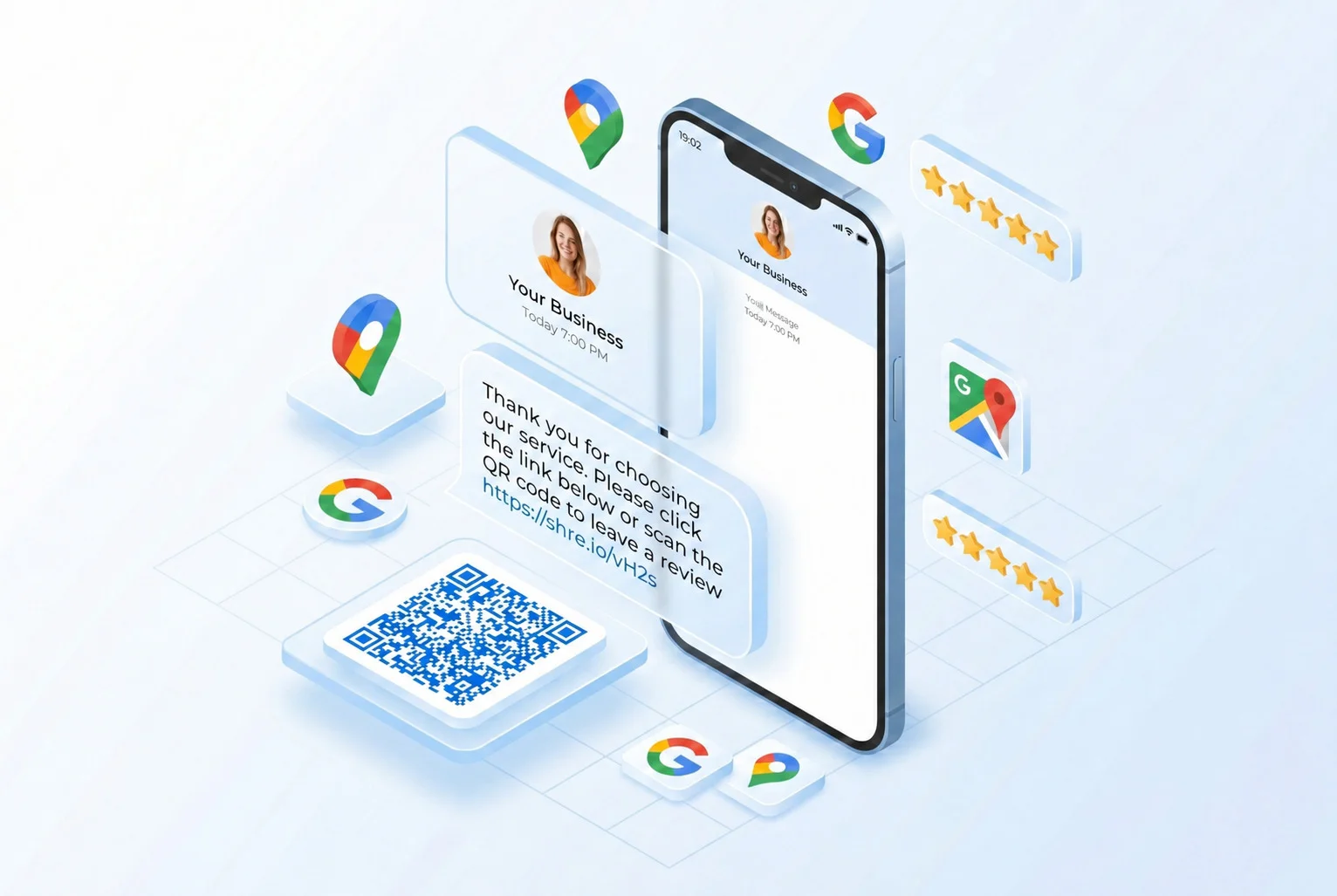
Send the link by email, SMS, QR code, or on receipts so customers can leave a review in one click.
Why use the Google review link generator

Collect reviews faster
Give customers a one-click path to your review form instead of asking them to search on Google.

Skip the search step
Direct links open the write-a-review screen instantly—fewer steps means more completed reviews.

Share anywhere
Use the same link on your website, email signatures, SMS follow-ups, and printed materials.
Reduce friction at checkout
Send a review request while the experience is fresh—right after a sale or service visit.
Works for any local business
Restaurants, clinics, salons, contractors—if you have a Google Business Profile, you can generate a link.
Free, no signup required
Generate and copy your review link without creating an account or installing anything.
What Is a Free Google Review Link Generator And How Does It Work??
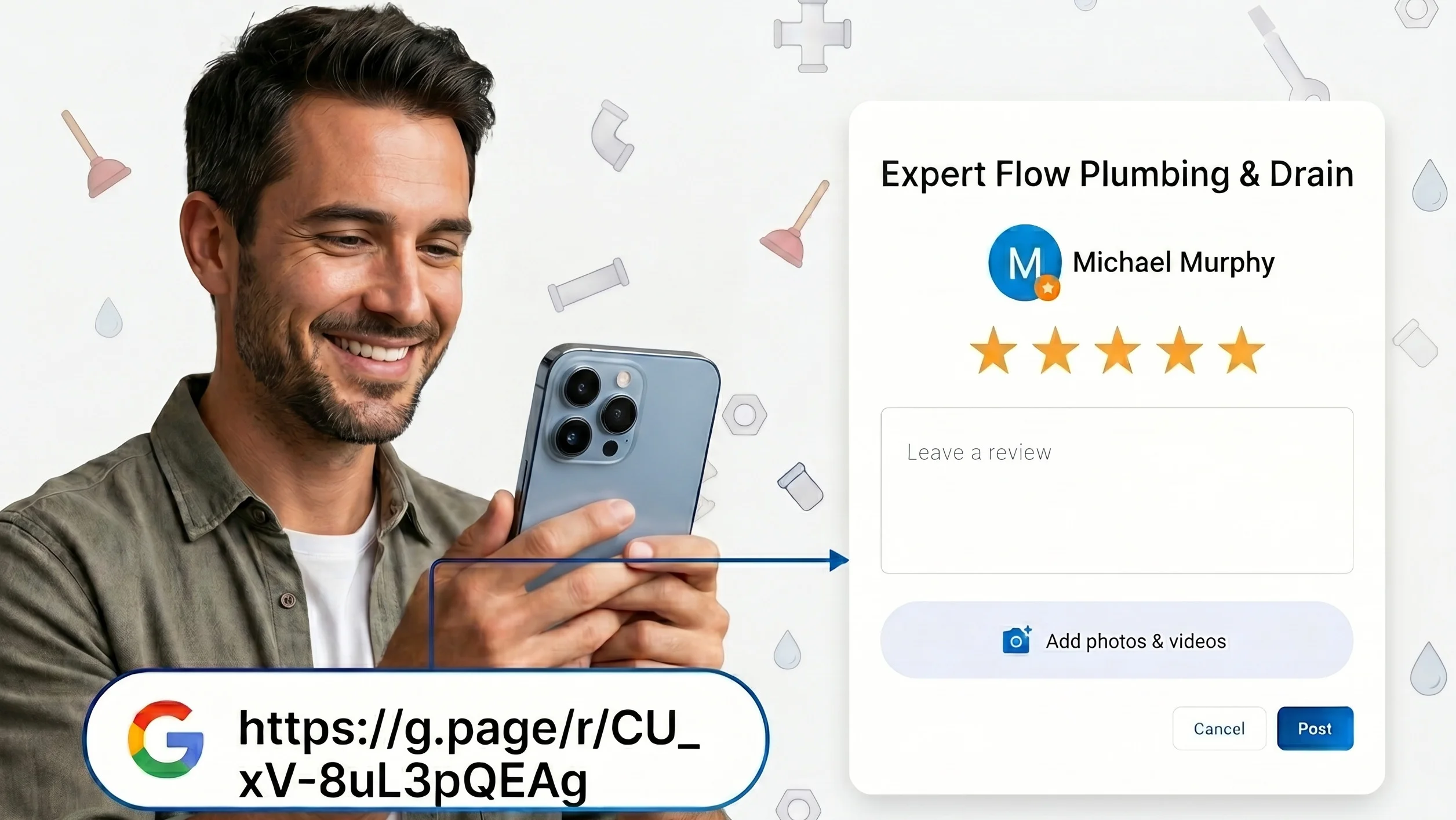
A Google review link is a direct URL that takes customers straight to the review form for your business on Google. No searching.
No scrolling through Google Maps. No hunting for the "Write a review" button. You send one link, they click it, and the review form opens immediately.
Every Google business listing has a unique Place ID. This tool uses that ID to build a direct link to your specific review form, so customers always land in the right place, every time.
It works whether you actively manage your Google Business Profile or not. If your business is listed on Google Maps, you can generate a review link for it right now.
The result is less friction, more reviews, a significant boost to your local SEO and a stronger online reputation, without asking your customers to do any extra work.
Who Is the Free Google Review Link Generator For?
This free tool simplifies the review process for any business owner, manager, or local marketer. If your business is on Google Maps, you can start collecting reviews more effectively. It is ideal for:
- Restaurants and cafés
- Healthcare practices (dental clinics, veterinary offices)
- Service-based businesses like real estate agents
- Auto repair shops
- Law firms
- Hotels and hospitality businesses
- Fitness studio
- Plumbers
- E-commerce brands
If your business appears on Google Maps, our tool is designed to help you get more reviews with less effort.
.
Recommended Channels for Sharing Your Link
Use your direct link across all customer touchpoints to streamline the feedback process.
-
Email and Signatures: Include your review link in post-purchase emails and your professional email signature. Using anchor text like "Review us on Google" creates a persistent opportunity for feedback.
-
SMS and WhatsApp: With over 90% open rates, text messages are ideal for review requests. Send a short, personalized message with your link shortly after a positive interaction.
-
QR Codes for Physical Locations: Generate a QR code to print on receipts, business cards, table tents, or in-store signage. This allows customers to scan and review instantly while in your store.
-
Website and Social Media: Add a "Leave a Review" button to your website, especially on order confirmation or thank-you pages. Share the link in your social media bios and posts.
Best Practices for Effective Review Requests
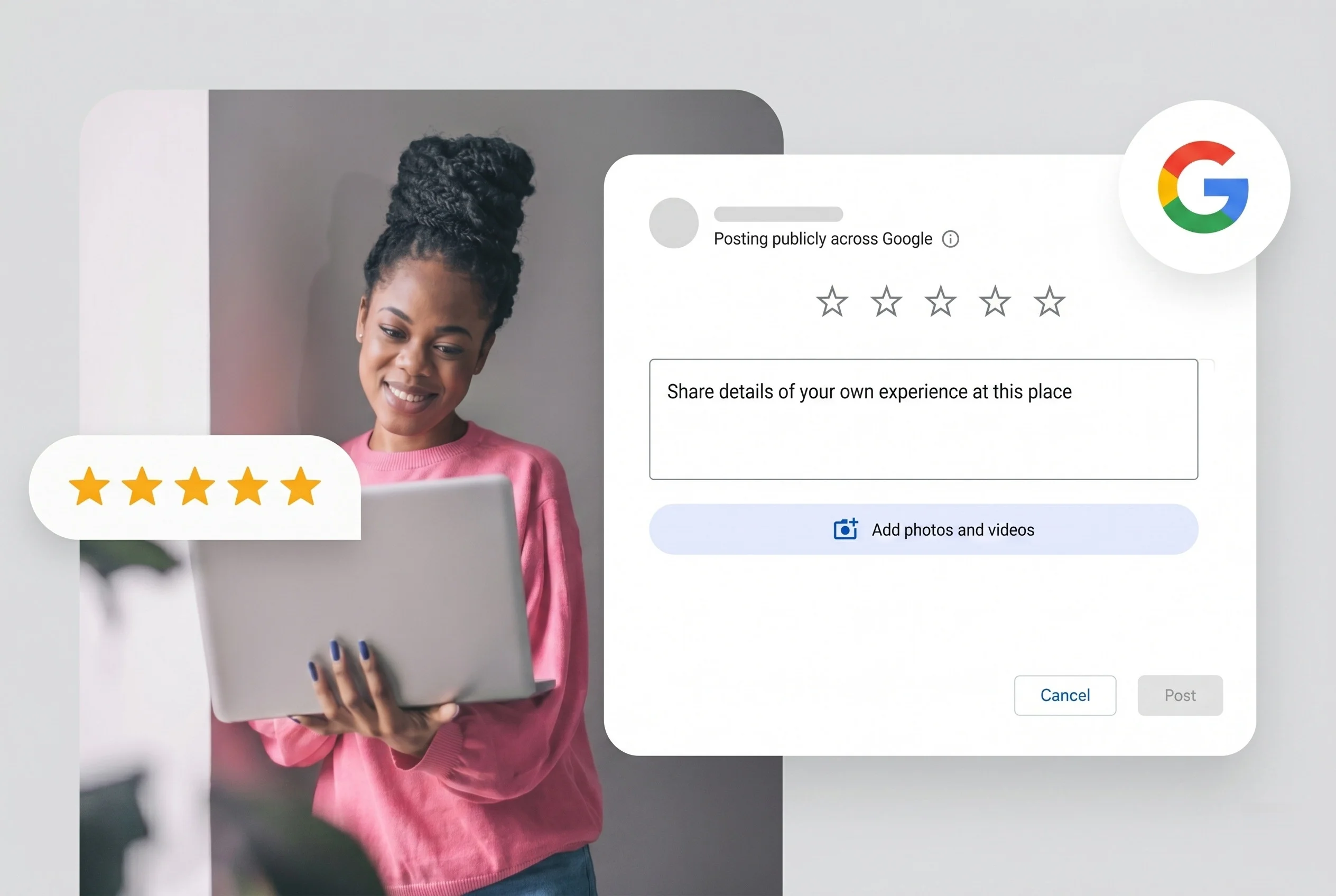
To maximize your Google reviews, focus on timing and ease of use. A direct link removes the friction that often stops customers from leaving feedback.
Key Strategies:
- Timing: Request feedback 24–48 hours after service, while the experience is fresh.
- Personalization: Address customers by name and reference their specific interaction.
- Conciseness: Keep messages brief (2–3 sentences). Let the link do the work.
- Follow-Up: A single, gentle reminder is acceptable if the first request is ignored.
- Policy Compliance: Never incentivize reviews, as this violates Google’s policies.
- Engagement: Respond to all reviews to encourage future feedback.
By consistently applying these simple strategies, you transform the occasional review into a reliable, ongoing stream of social proof for your business.

More Google reviews, more customers.
ReviewGrow helps businesses build trust with real Google reviews, stronger profiles, and better visibility where customers search.
Get started now